GET
GET is a user-friendly platform that allows students to purchase and manage convenience points via web or mobile application. It also provides a simple way for family members or others to add funds to a student’s account.
If you are a parent, guardian, or other family member who would like to deposit funds to a student’s account, please refer to the tutorial here for instructions.
If you are a student, please refer to the instructions below for GET instructions via mobile device and web platform.
Please note that it is recommended to use a US-based credit or debit card for GET transactions.
Using the GET Mobile App
Download the GET app for Android or iOS devices.
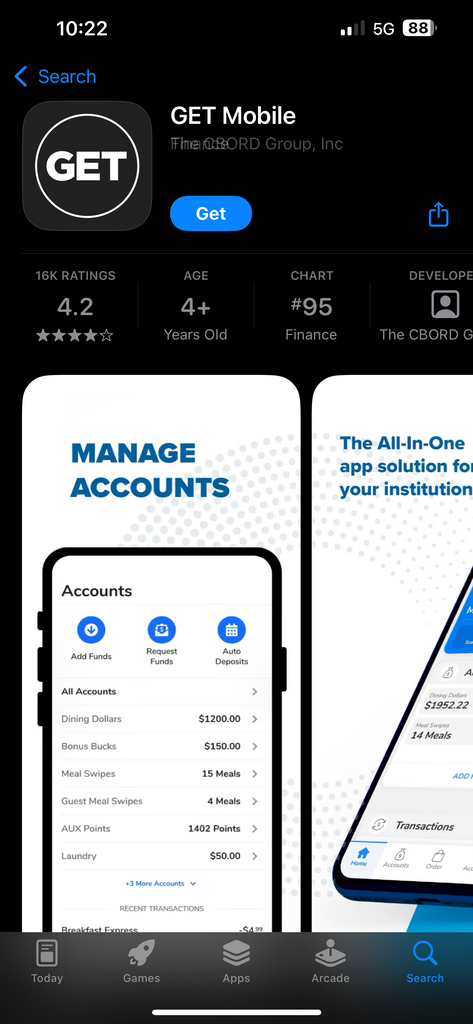
Open the app, and select “Boston University” from the list of institutions. You will be prompted to sign in using your Kerberos login credentials.

Select “Add Funds” to purchase convenience points.
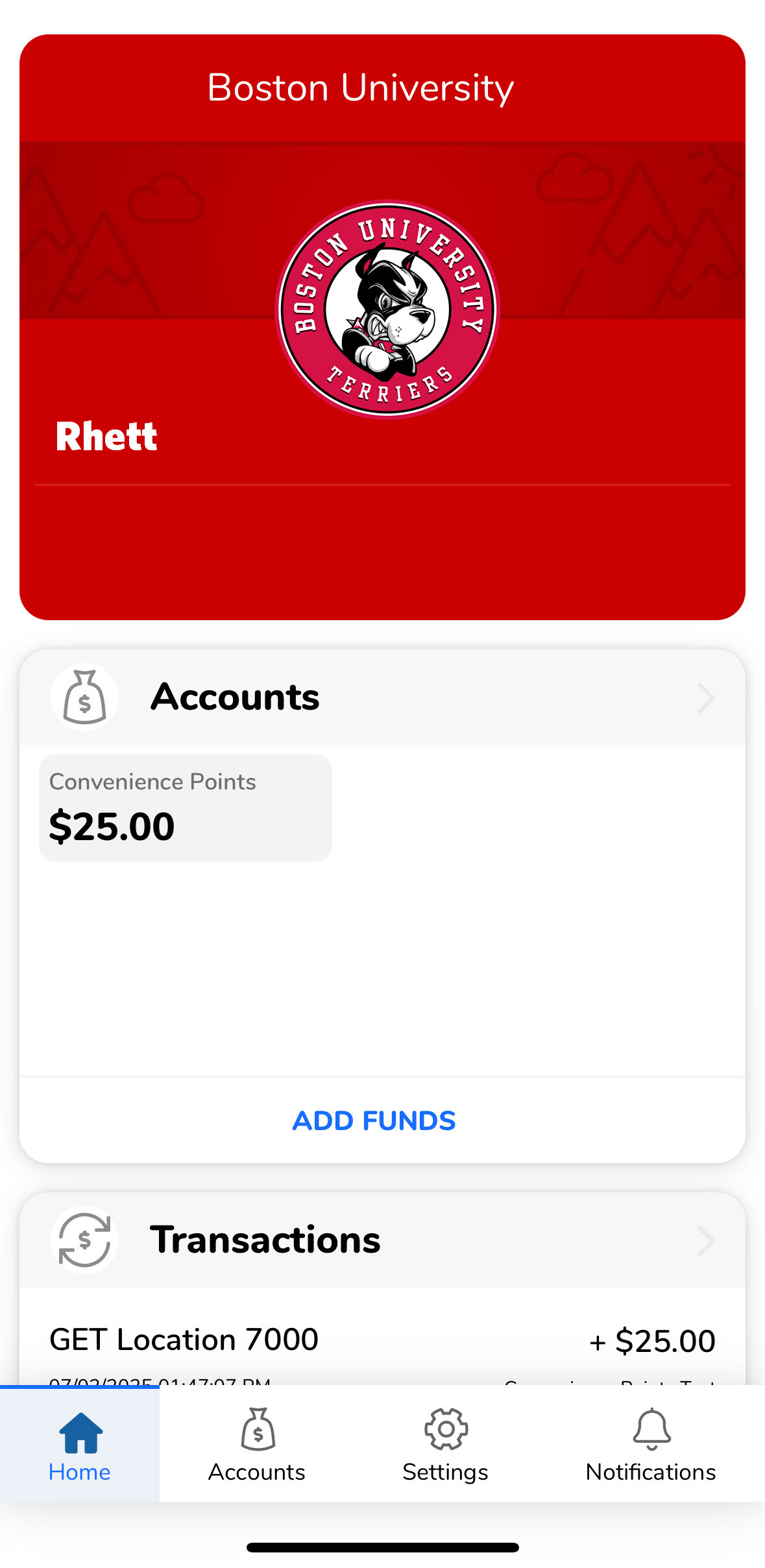
You will be able to add using your credit card or bill it to your Student Account. There is a minimum of $25 you can purchase and a maximum of $1,500.

Meal Donations (Mobile Application Only)
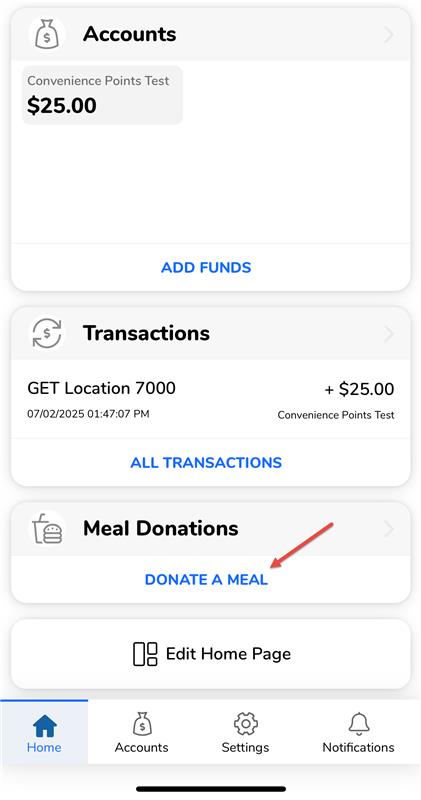
If you would like to donate a meal, return to the GET application home page, and select “Donate a Meal” under the “Meal Donations” section. Please note that meal donations can only be completed via the GET mobile application.
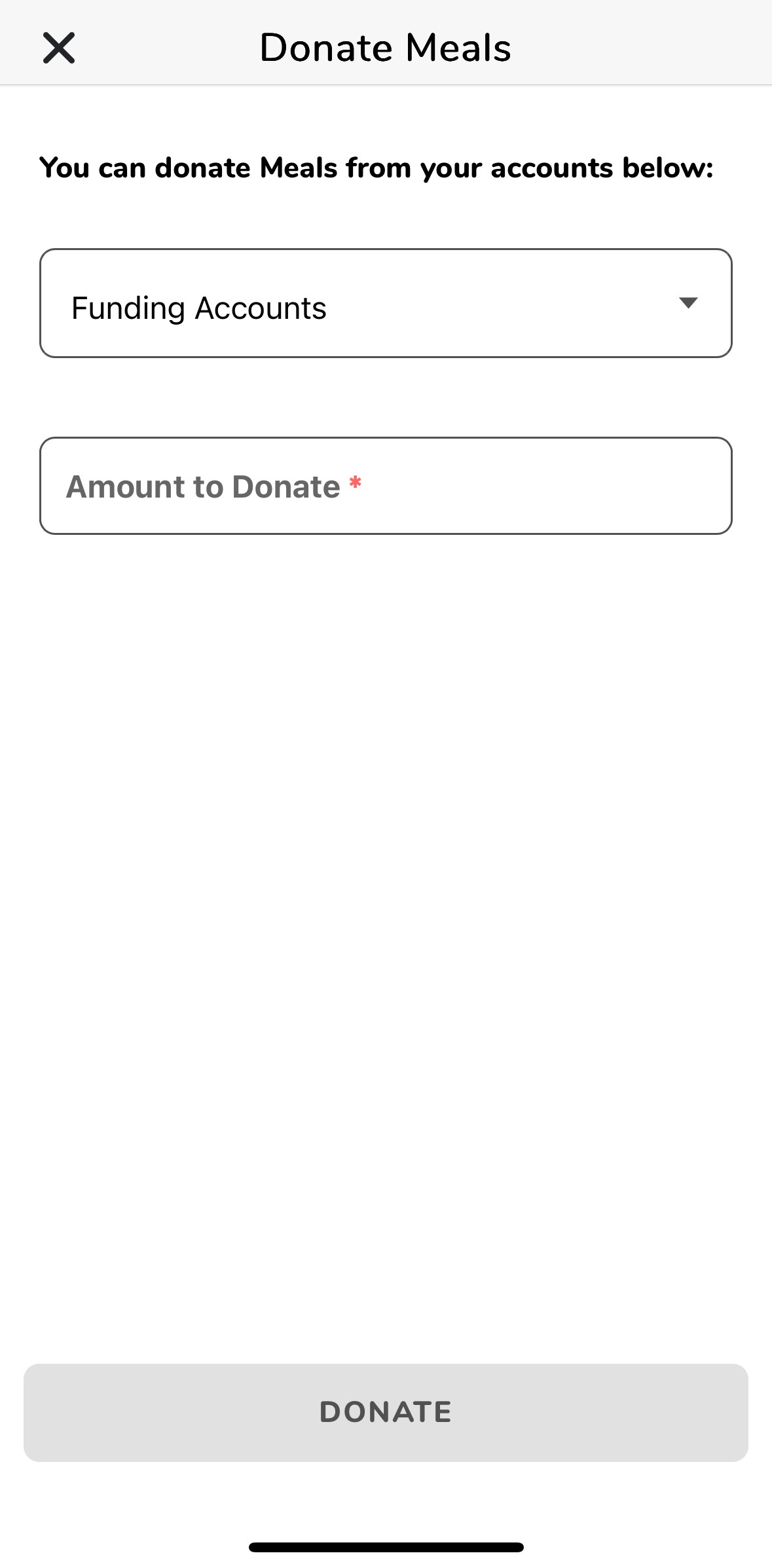
Select the funding account, and the amount you would like to donate.
Using the GET Web Platform
Visit the Boston University GET website.
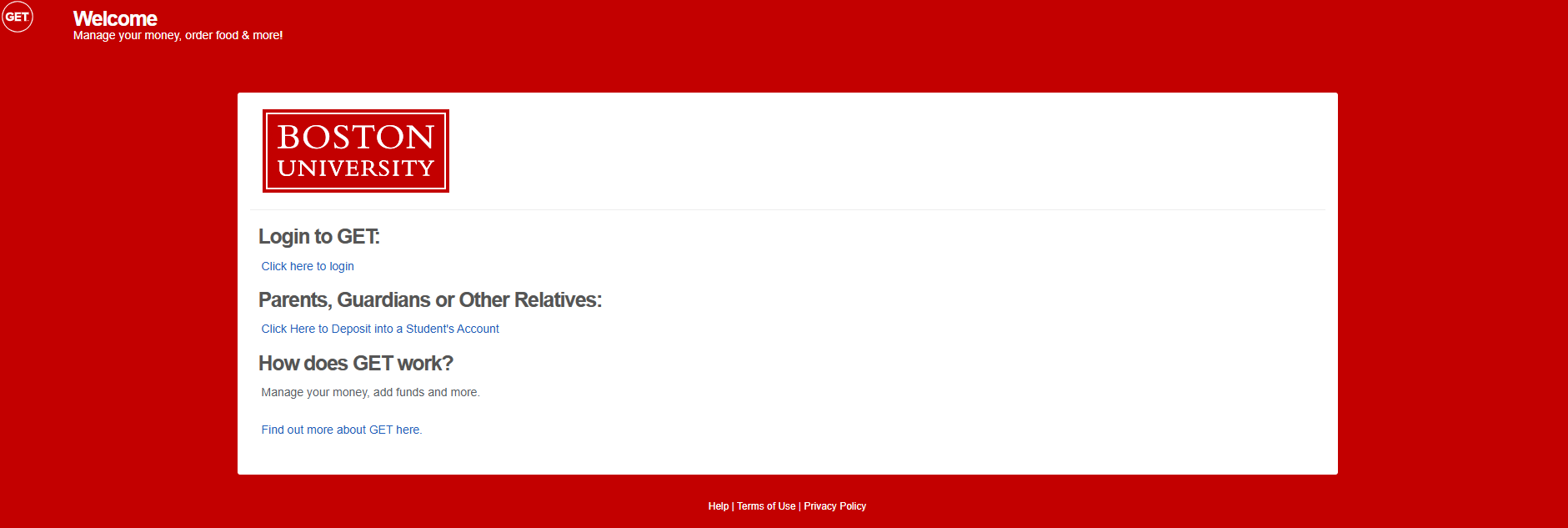
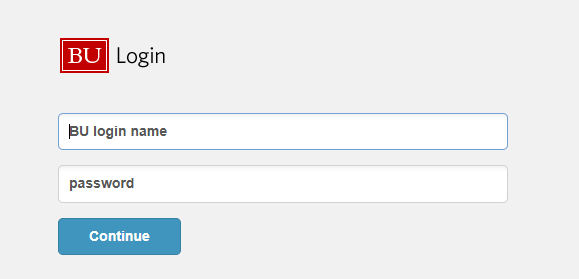
Sign in using your Kerberos login credentials.
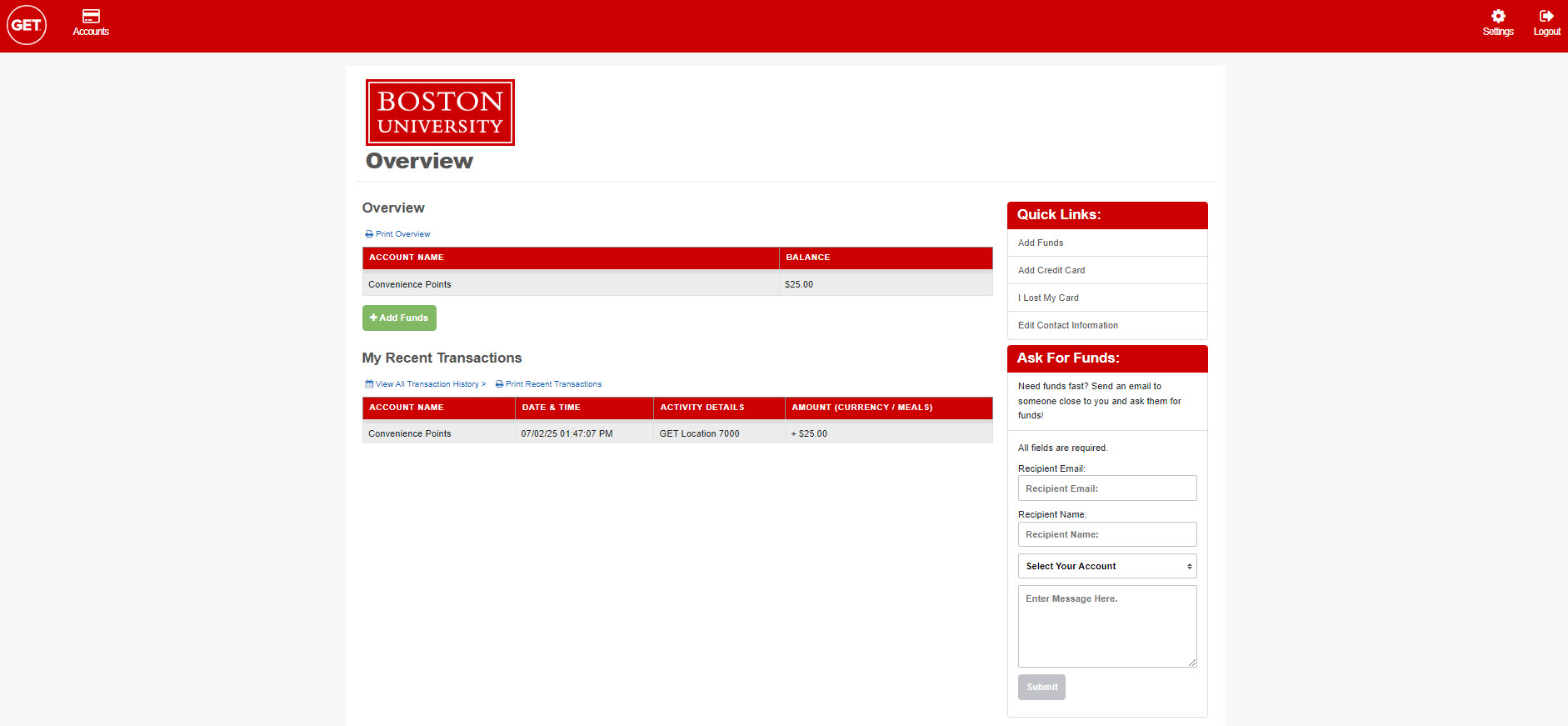
Select “Add Funds” to purchase convenience points. You will be able to add using your credit card or bill it to your Student Account. There is a minimum of $25 you can purchase and a maximum of $1,500.
For any questions, please contact us via email at tco@bu.edu. Please include your BU ID number.
