 BU Connects is a platform exclusively for Boston University alumni, students, faculty, and staff that brings Terriers together for personal and professional networking on a global scale. Plus, with a strong focus on mentoring—BU Connects opens the door to invaluable guidance and growth. In addition to mentoring, you will have a Networking directory, Industry and affinity groups to join and the ability to find or post jobs. Join now and tap into a powerful, wide-reaching global network unlike any other!
What can BU Connects do for you?
Key features:
Networking directory:
Share in the unique advantages of the BU alumni network, all around the world. Browse the directory based on location, employment, education, and more to find the right connections and those willing to help.
Elevate your professional journey:
Forge meaningful connections with networks, classes, and affinity groups on BU Connects. Engage today to unlock new opportunities and lasting partnerships.
Mentoring:
Join in the proud tradition of Terriers helping Terriers by identifying yourself as a potential mentor or searching for a mentor who can offer career guidance and support.
Find or post a job / internship:
Whether you are looking to find or fill a job, BU Connects is the place to start. You can post open job or internship opportunities at your company or organization and browse current offerings from places looking to hire BU talent.
Have you made a meaningful connection through BU Connects? We want to hear about it.
Use the form below to tell us about your experience on BU Connects. We want to hear about it all; an insightful informational interview with an alum who has your dream job, a conversation with a current student who asked all the right questions, or a new connection who opened a door to an internship or job opportunity. No matter how big or small, we know that every positive connection matters and we’re proud to celebrate those Terriers who are taking full advantage of this incredible community.
Thanks for helping us build a powerful BU network!
FAQs
What is the purpose of BU Connects?
This online platform, exclusively for Boston University alumni, students, faculty, and staff, brings together Terriers for personal and professional networking on a global scale, with a special emphasis on mentoring. Its users have access to a broad and influential global network.
How does it work?
Members are encouraged to activate their profile by logging in via LinkedIn. Users can also create an account with their email address or BU credentials. Once logged in, users can join affinity/professional groups, network directly using the member directory, engage in mentorship, or find or fill a job. A central BU Connects feed hosts an ongoing dialogue with questions, comments, and opportunities shared by alumni and students alike. Users can also stay up to date with the latest news and upcoming events from BU.
Take a look at our step-by-step video guide to better understand how to navigate the platform and utilize the key features!
Who are the members?
BU Connects is an inclusive platform open to all Terriers. Members might include:
- Students seeking internships, career advice, and job opportunities
- Alumni seeking to raise their individual profile
- Established professionals looking to give back to today’s students
- Proud Terriers interested in hearing about the achievements of our campus and global communities
- People looking to connect on a personal level, in addition to a professional one
How will BU Connects overlap with other existing offerings for alumni and students?
- BU Connects replaces the great foundation laid by the popular Career Advisory Network (CAN). CAN Advisors are encouraged to increase their potential for impact by joining BU Connects.
- BU Connects features an integration with Handshake, the University’s career-management system and job board. The most recent jobs and internships posted to Handshake will appear in BU Connects.
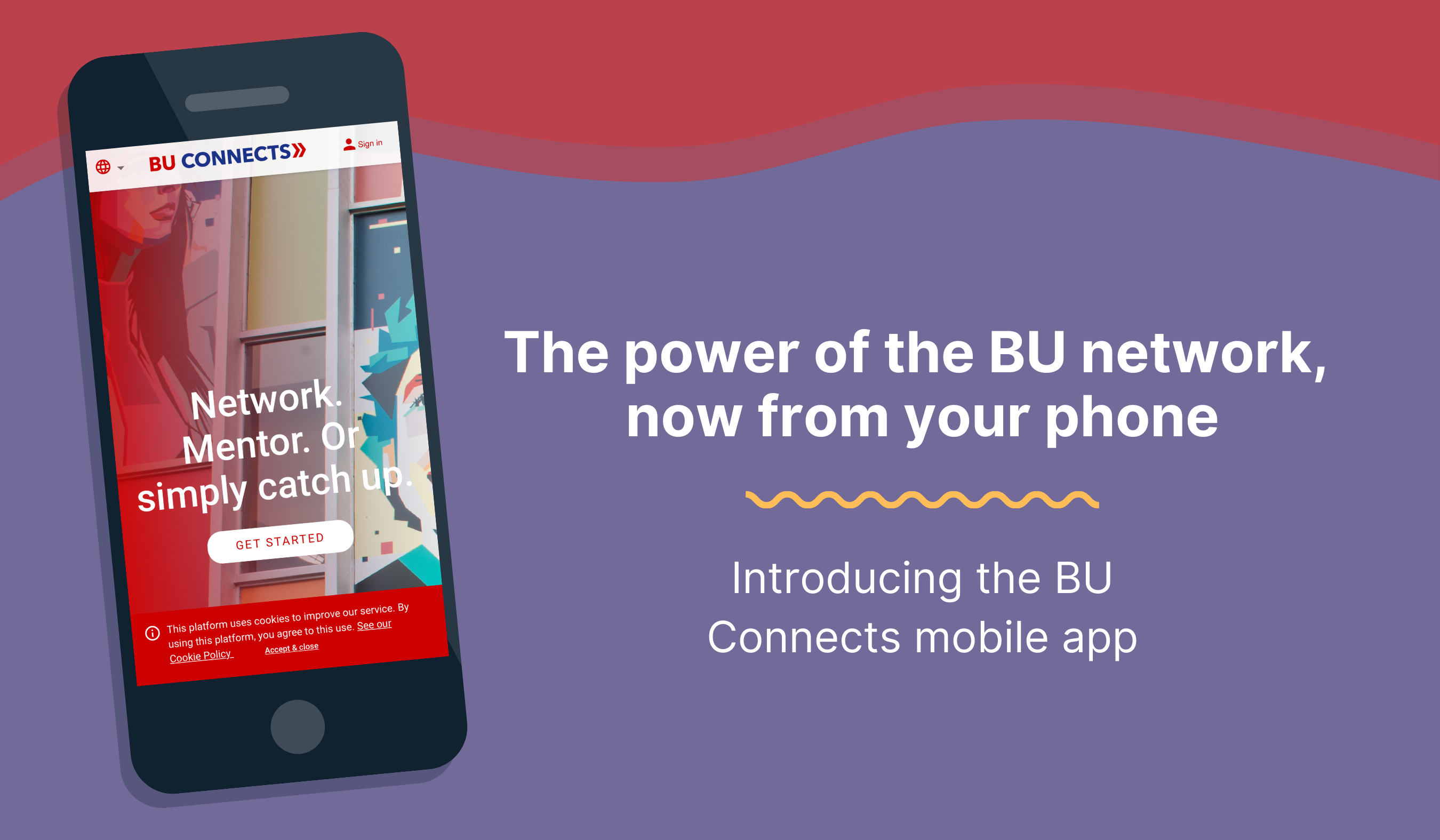
Download BU Connects mobile app
Google’s Android
- Go to Google Play
- Find the “BU Connects” app
- Select ‘Install’ to download
Apple’s iOS
- Open buconnects.com on Safari
- Select the sharing icon at the bottom of the browser page
- Select the plus sign—’Add to Home Screen’—and then select ‘Add’ on the top right
