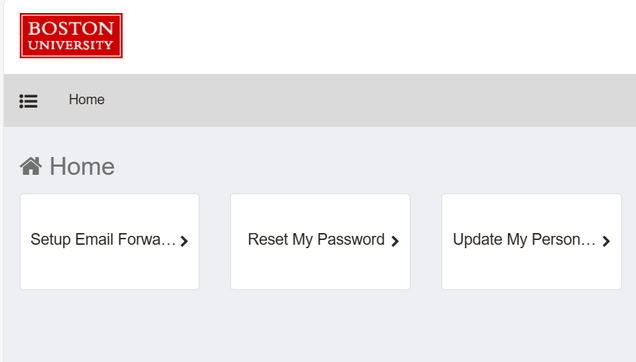
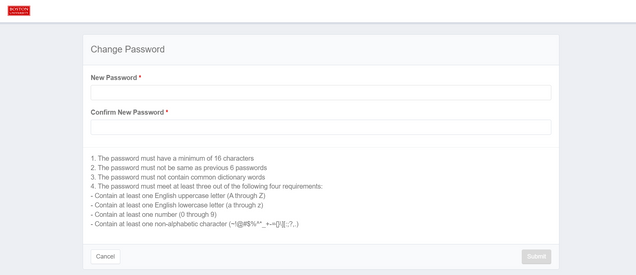
To start resetting your password, visit Reset My Password and enter your current password, and then choose a new password. Note: Passwords must be a minimum of 16 characters

- If you enter your old password correctly, your password will be reset and you will be all set. However, if you enter your password incorrectly and cannot remember it, navigate to Reset Forgotten Password.
- Select the Reset Forgotten Password option.

- Enter your BU login name and your Date of Birth, then click on Next.

- Do the Multi-Factor Authentication through Duo for the device listed.
- Enter a new BU password, then click Submit.
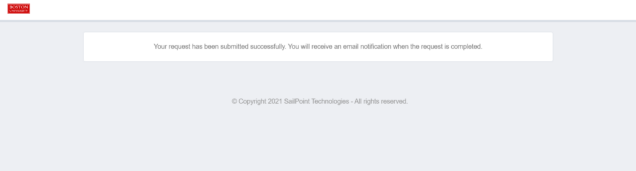
- Once you have chosen a new password, you will see a message indicating your request has been submitted successfully. You will receive an email notification when the request is complete.