Blackboard Ultra is a significant upgrade from Blackboard Learn. One of the things I appreciate the most is you can format your content in a more logical and visually appealing manner. Once everything is set up, it is very intuitive and user friendly.
Jonathan Katz
Lecturer
School of Hospitality Administration
This page explores the key differences between Blackboard Original and Ultra to help you understand the new and improved design and features available in Ultra. As you navigate the migration from Original to Ultra, this guide can help you understand how certain course elements looked in Original and will look once you move to Ultra. By understanding the options available to you, you’ll be able to create a more engaging and accessible experience for all your students.
Course View
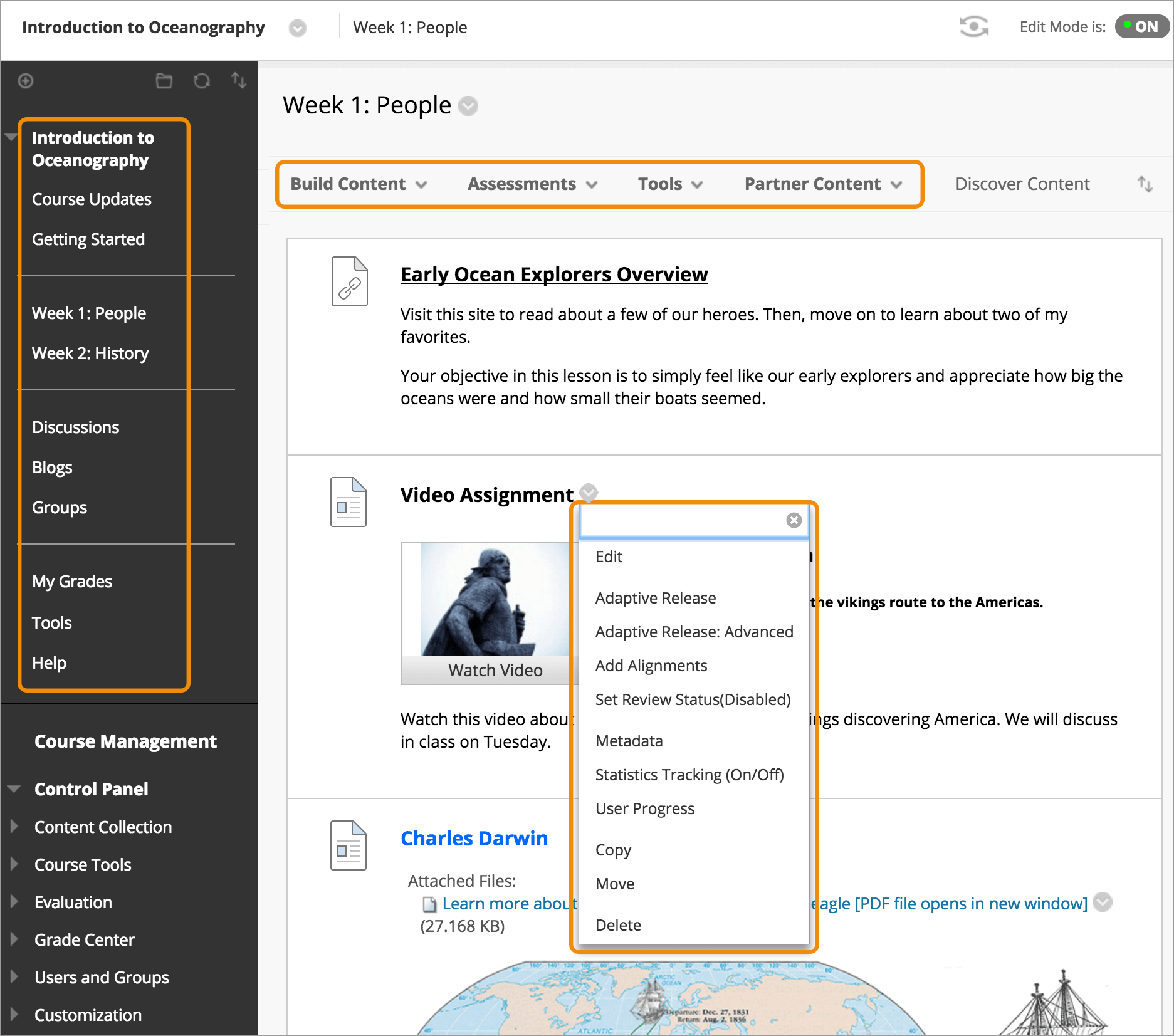
Blackboard Original
Less intuitive and more complex for new users. Legacy interface that will no longer be supported after December 2026.
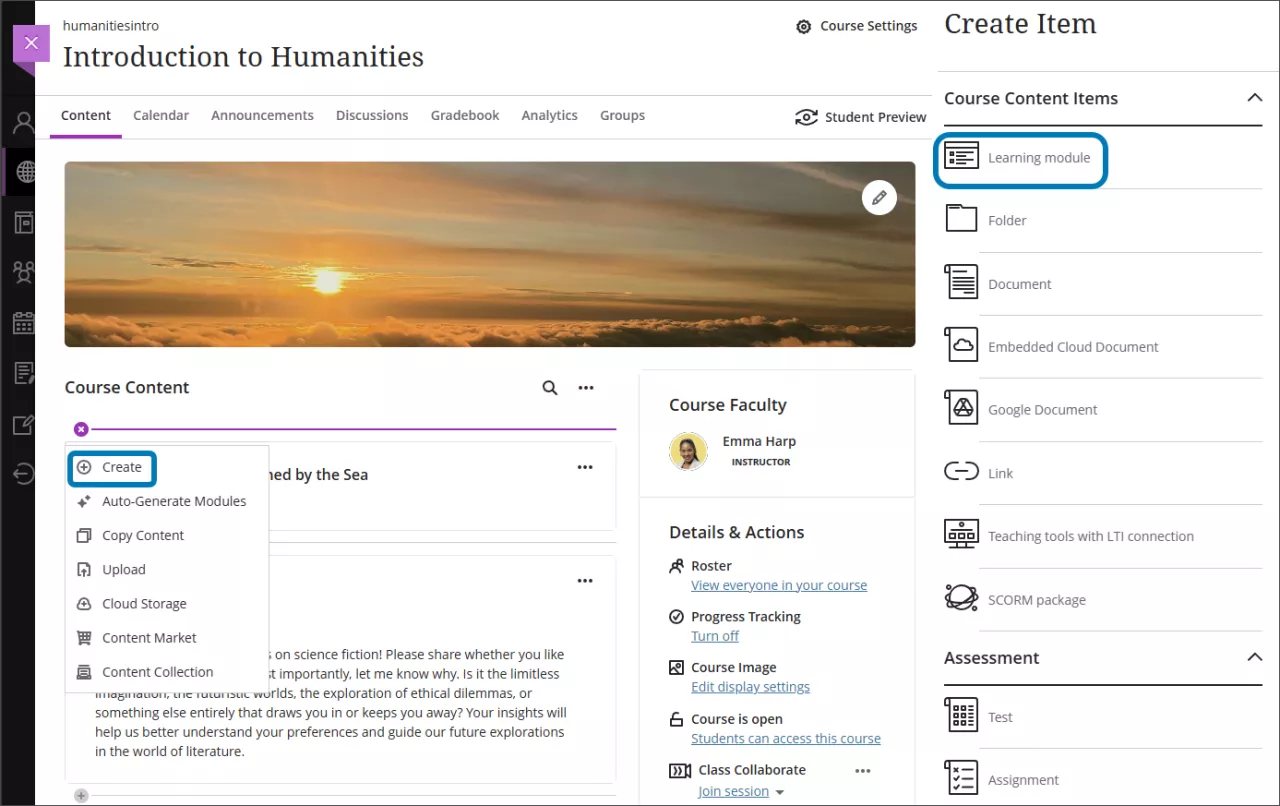
Blackboard Ultra
Modern, intuitive, and user-friendly interface designed for ease of navigation and streamlined workflows. See our Course Management Key Feature page for more information.
Mobile App Experience
Blackboard Original
Fragmented mobile experience with separate apps for instructors and students. Limited functionality and usability.
Blackboard Ultra
Fully mobile-responsive design. Seamless experience across devices for both instructors and students.
Blackboard Ultra has transformed my teaching experience. The mobile app has been a game-changer, allowing me to not only grade assignments and respond to student questions on the go, but also to manage course content and track student participation from anywhere – truly making my teaching experience more flexible and responsive to student needs.
Karen Jacobs
Program Director for Online Post-professional OTD and Clinical Professor
Sargent College of Health & Rehabilitation Sciences
Course Content Structure
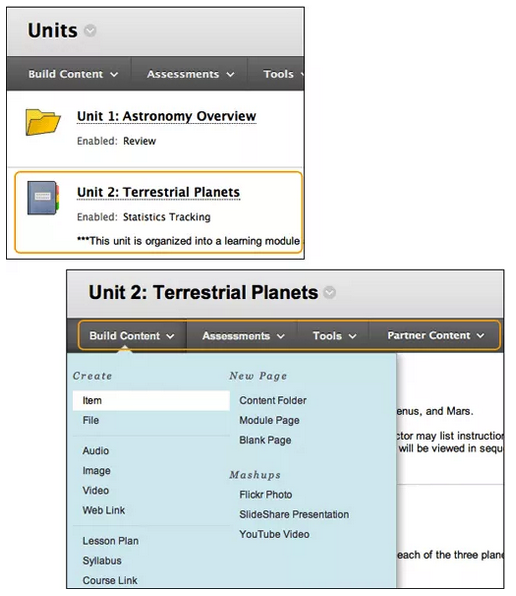
Blackboard Original
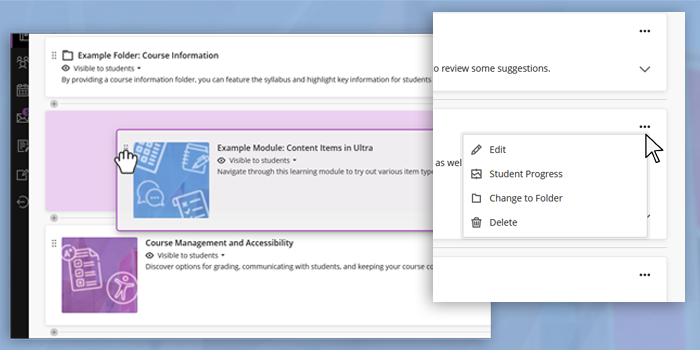
Content is organized in folders but requires manual steps to adjust visibility and structure. Original doesn’t have Learning Modules, which allow for thumbnail images, progress tracking, and previous and next navigation.
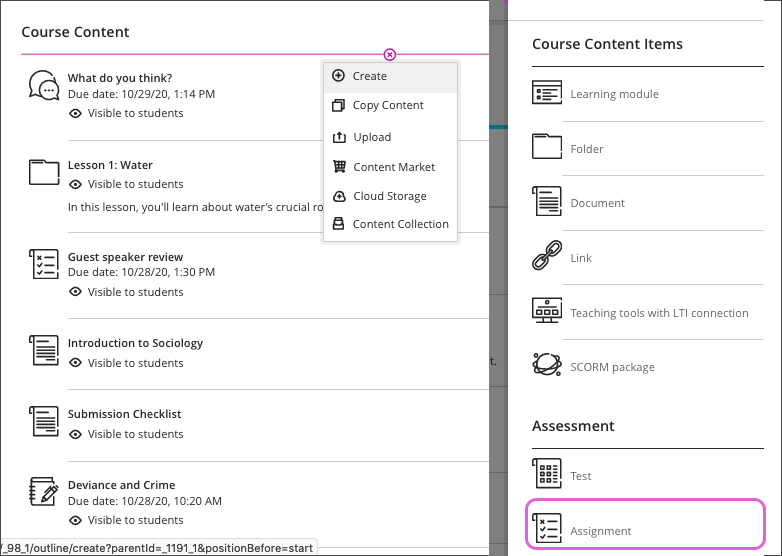
Blackboard Ultra
Flexible content organization using learning modules or folders. Supports guided learning paths and intuitive navigation. See our Course Layout Options page for more information.
Content Editing
Blackboard Original
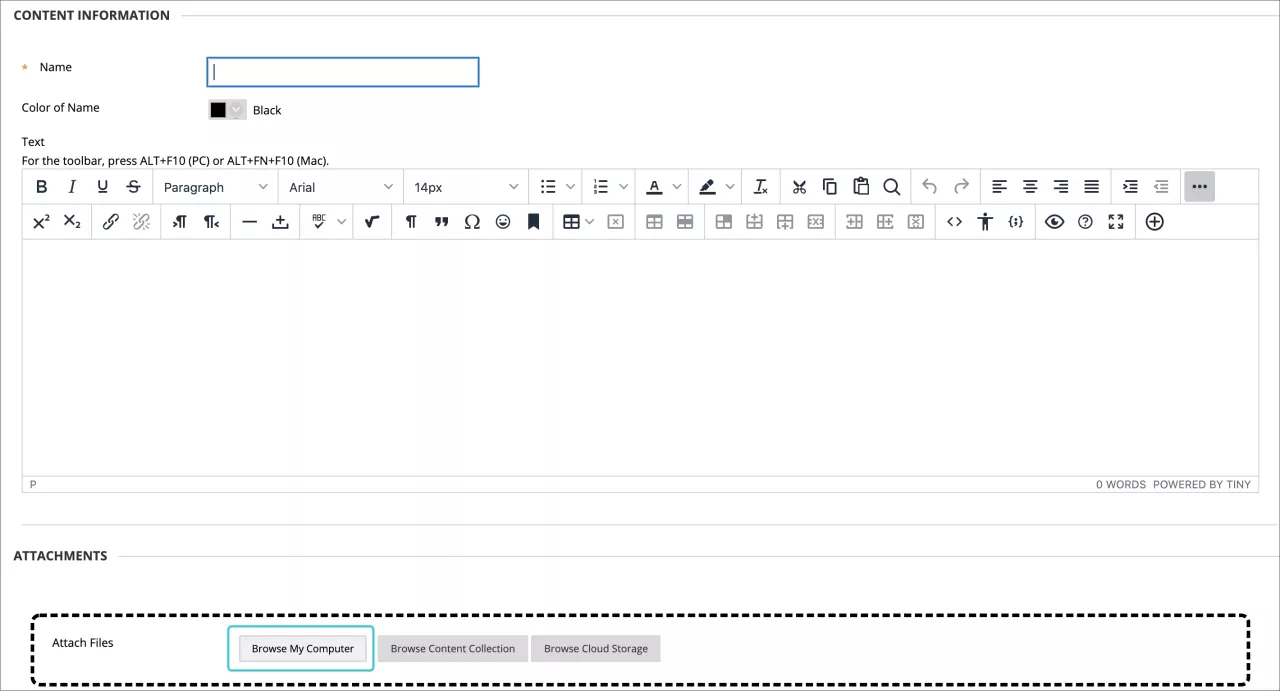
Multi-step process to upload and edit content. Less efficient and more time-consuming.
Blackboard Ultra
Drag-and-drop content editor simplifies course building and updates. Supports multimedia and inline editing.
Grading
Blackboard Original
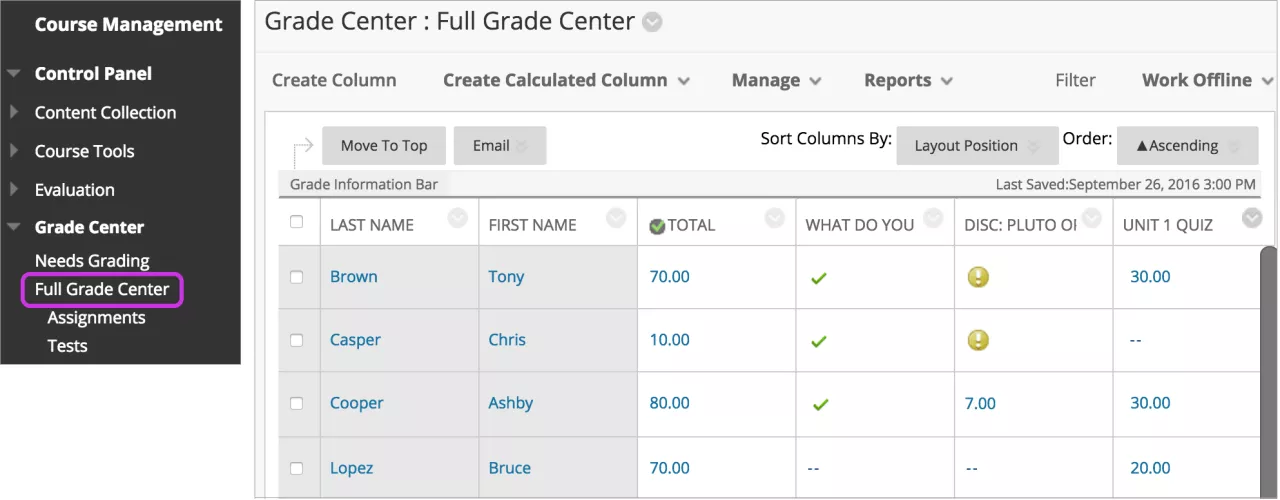
The grade book is restricted to a single grid-style view. While it provides extensive customization options (e.g., calculated columns, weighted grades), the interface is more rigid and requires more manual steps to manage grading tasks, which can slow down workflow and increase complexity.
Blackboard Ultra
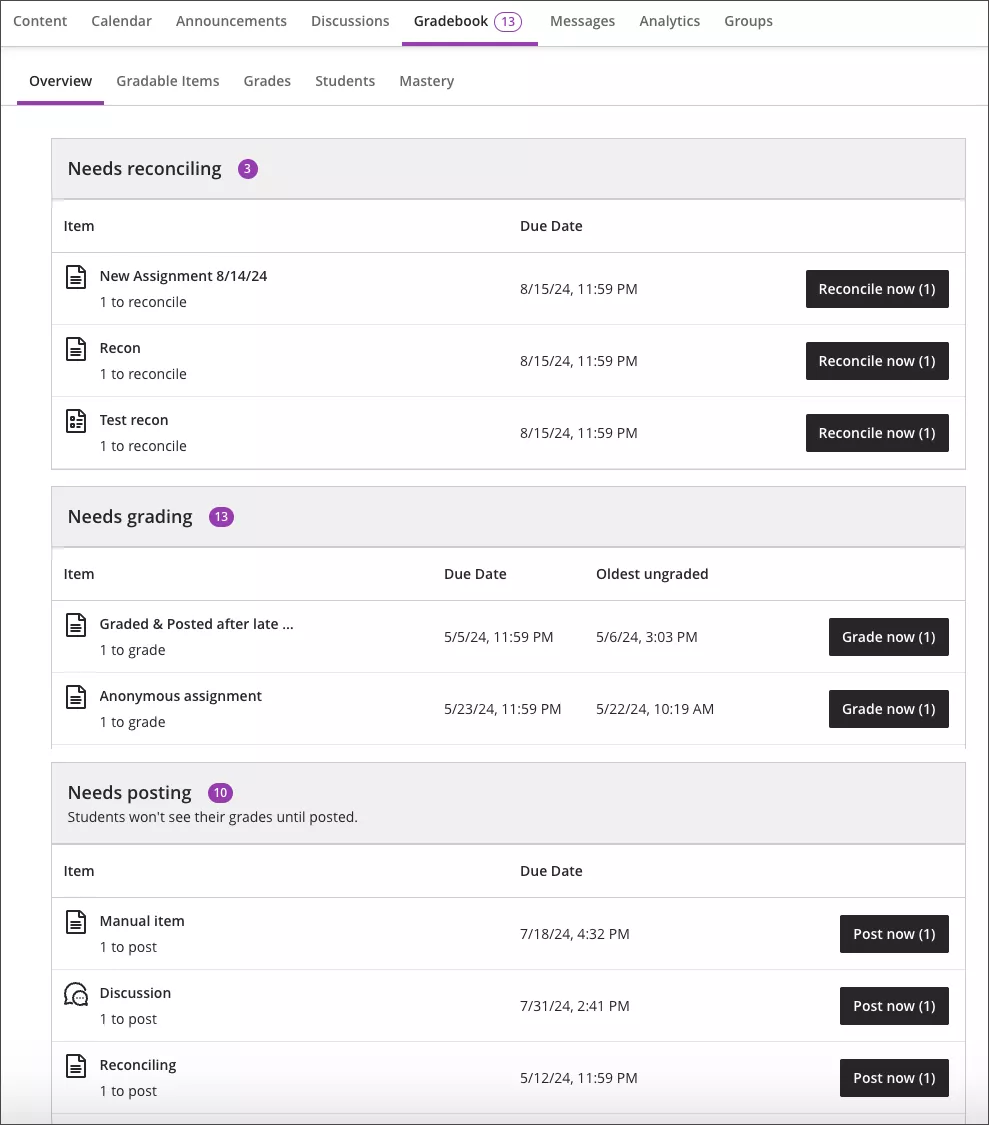
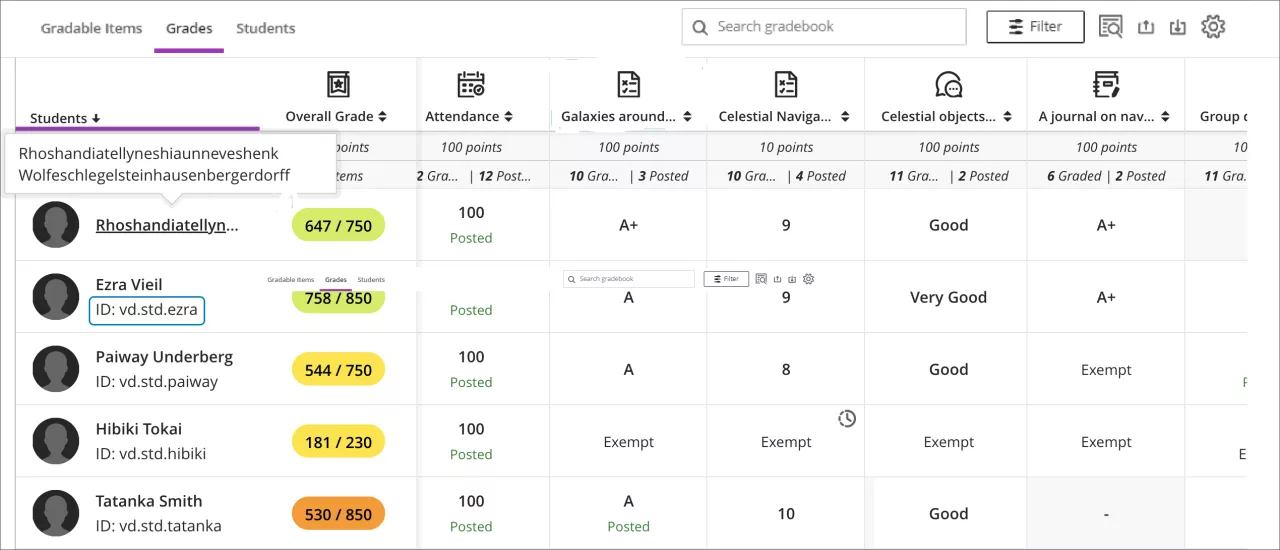
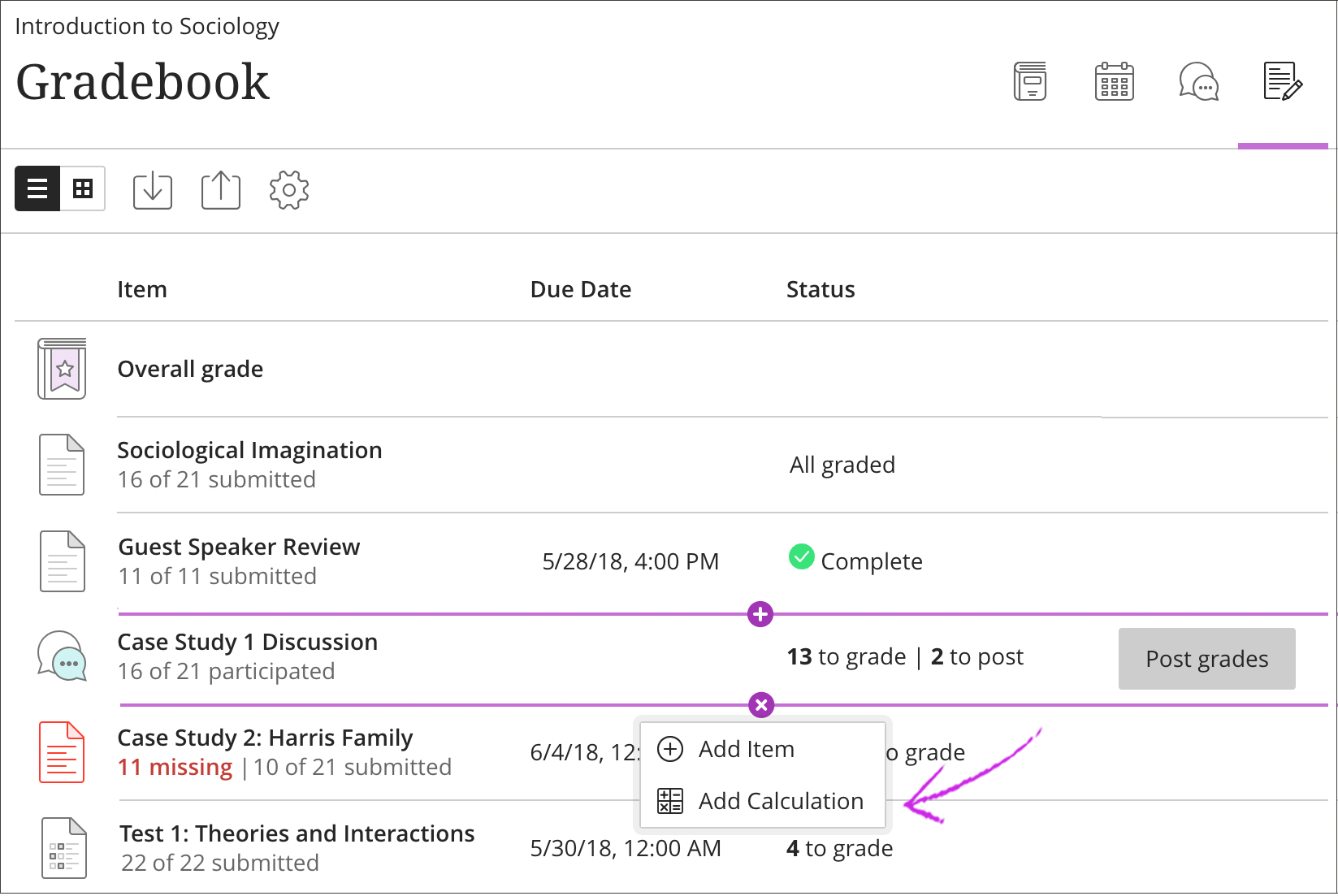
Multiple grade book views offered, empowering faculty to use the view the best suits their needs. Instructors can easily toggle between an overview of items that need grading, student progress, and posted grades. The interface is streamlined for efficiency and clarity.
Assessment
Blackboard Original
Formative assessment features are not built into Original.
Blackboard Ultra
Embedded knowledge checks can be placed directly within content pages for formative assessment. Formative assessments can also be created by adding the label to a 0-point quiz.
Accessibility Integration
Blackboard Original
Accessibility features require manual workarounds and are not consistently integrated.
Blackboard Ultra
Seamless integration with Blackboard Ally. Alternative text for images on every content page ensures accessibility compliance and ease of use. See our Accessibility Key Feature page for more information.
Learning Analytics
Blackboard Original
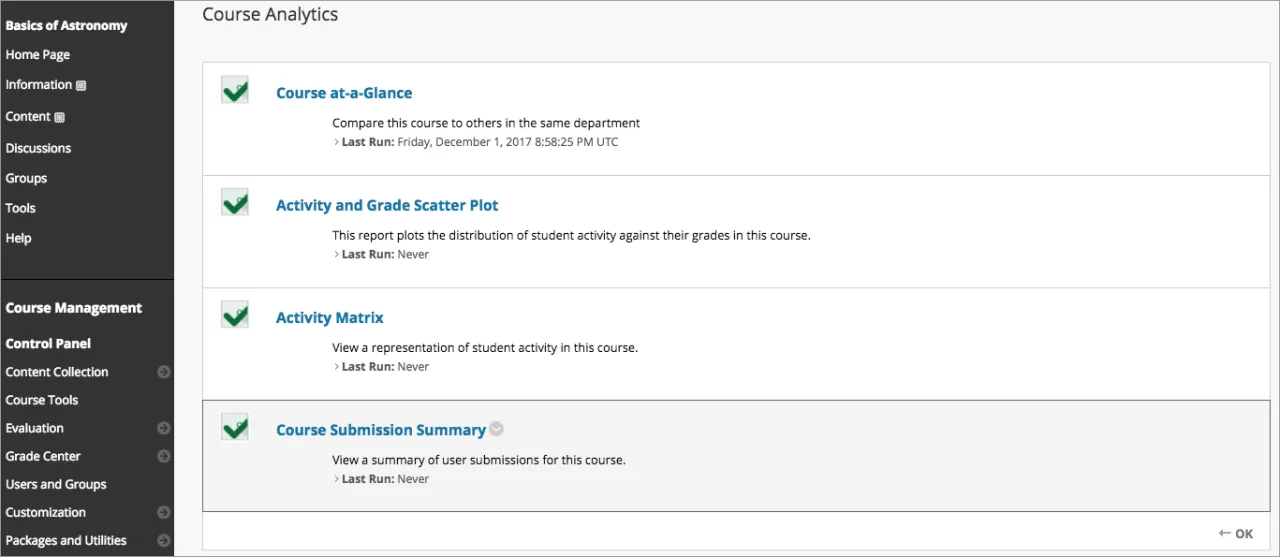
Accessing analytics requires navigating multiple tools and permissions. Less centralized and more complex.
Blackboard Ultra
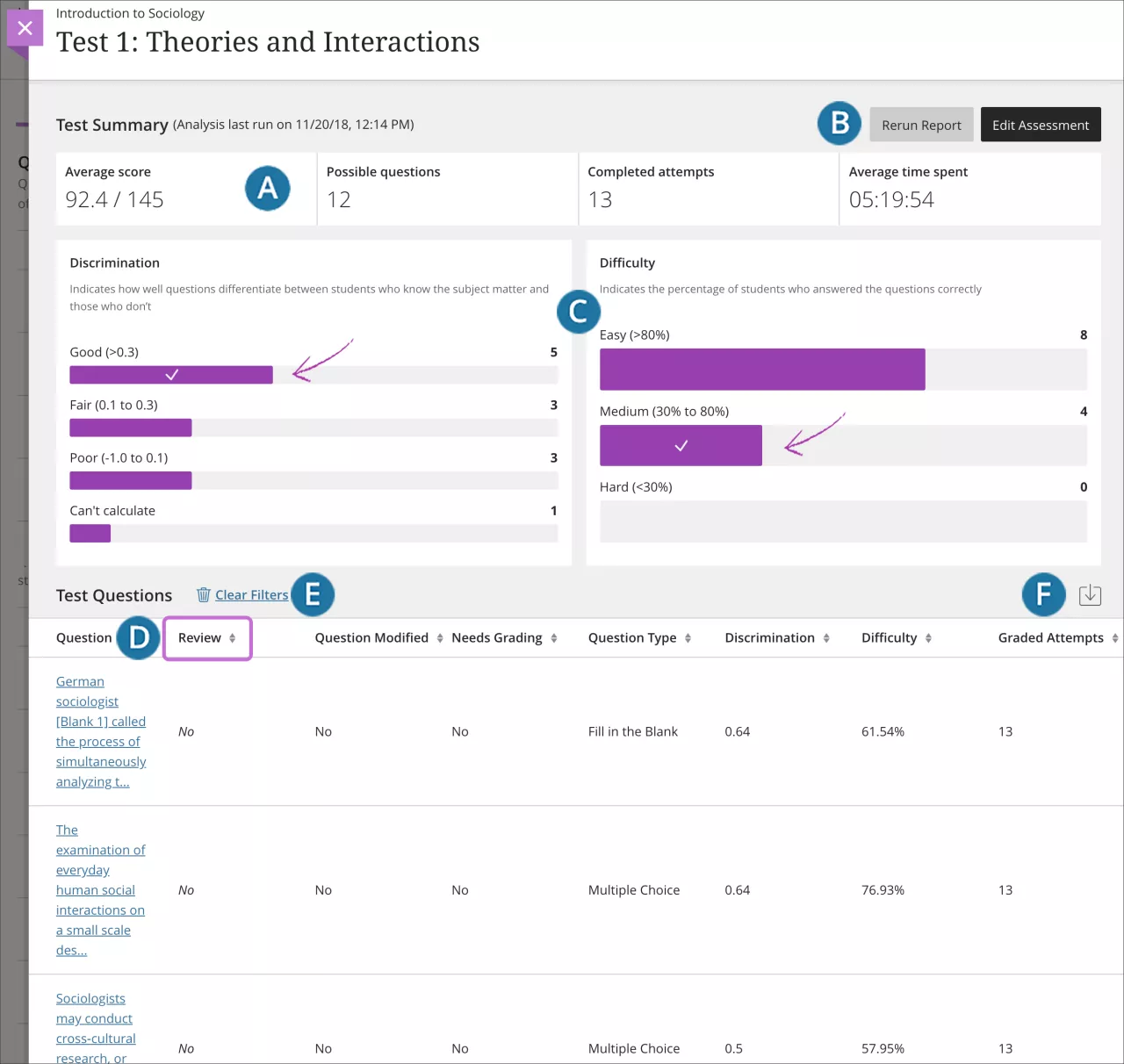
Built-in analytics tools provide real-time insights into student engagement and course activity.
Course Communication
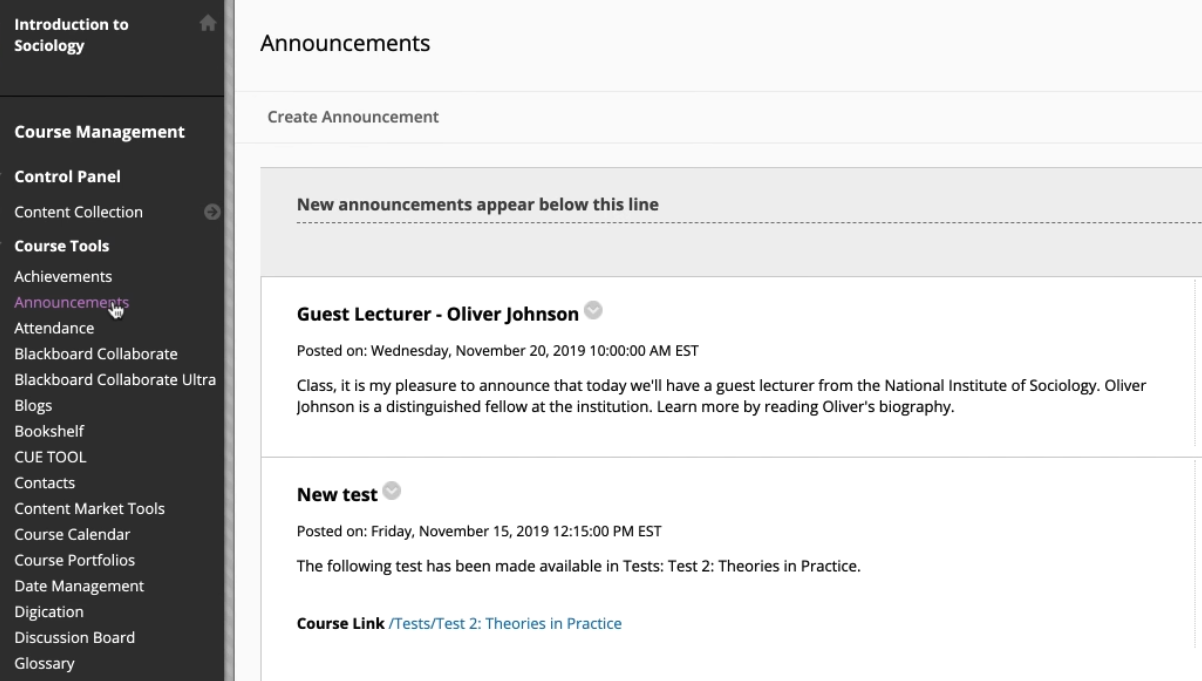
Blackboard Original
Communication tools are available but disjointed, as they are located in the top navigation bar as opposed to quick link locations.
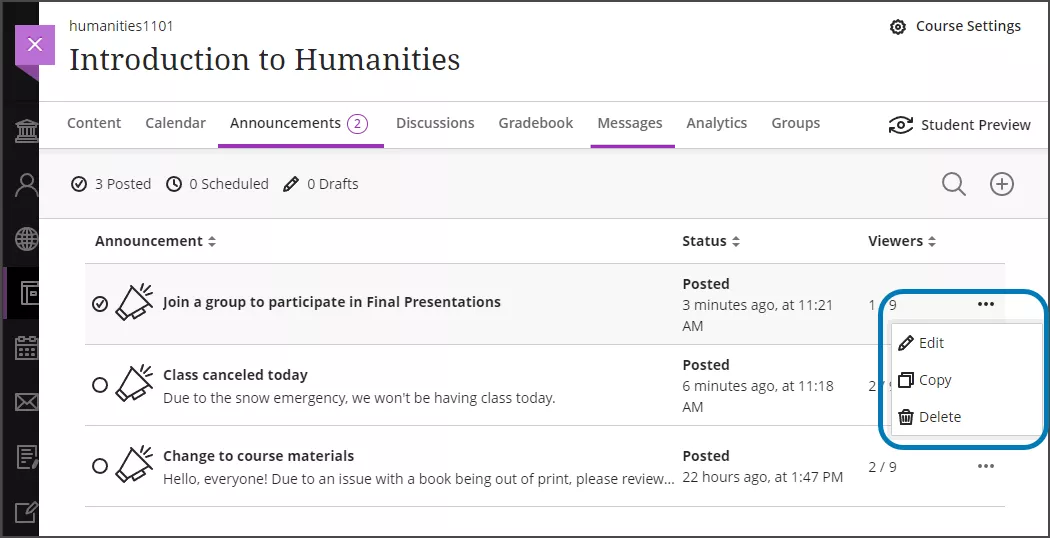
Blackboard Ultra
Unified communication hub for announcements, messages, and discussions. Promotes consistent and centralized communication.
AI Features
Blackboard Original
No AI features or intelligent content generation features available in Original.
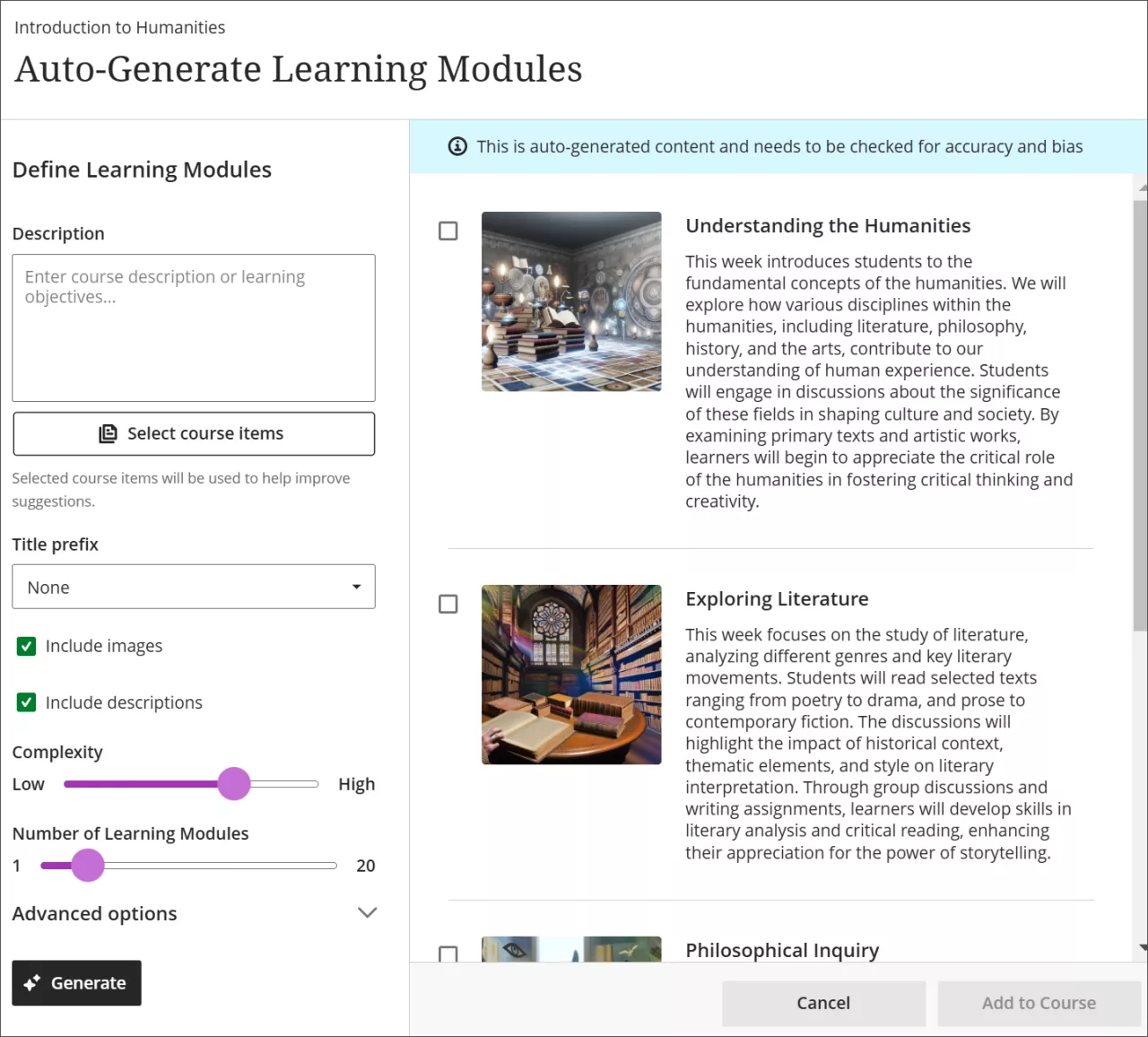
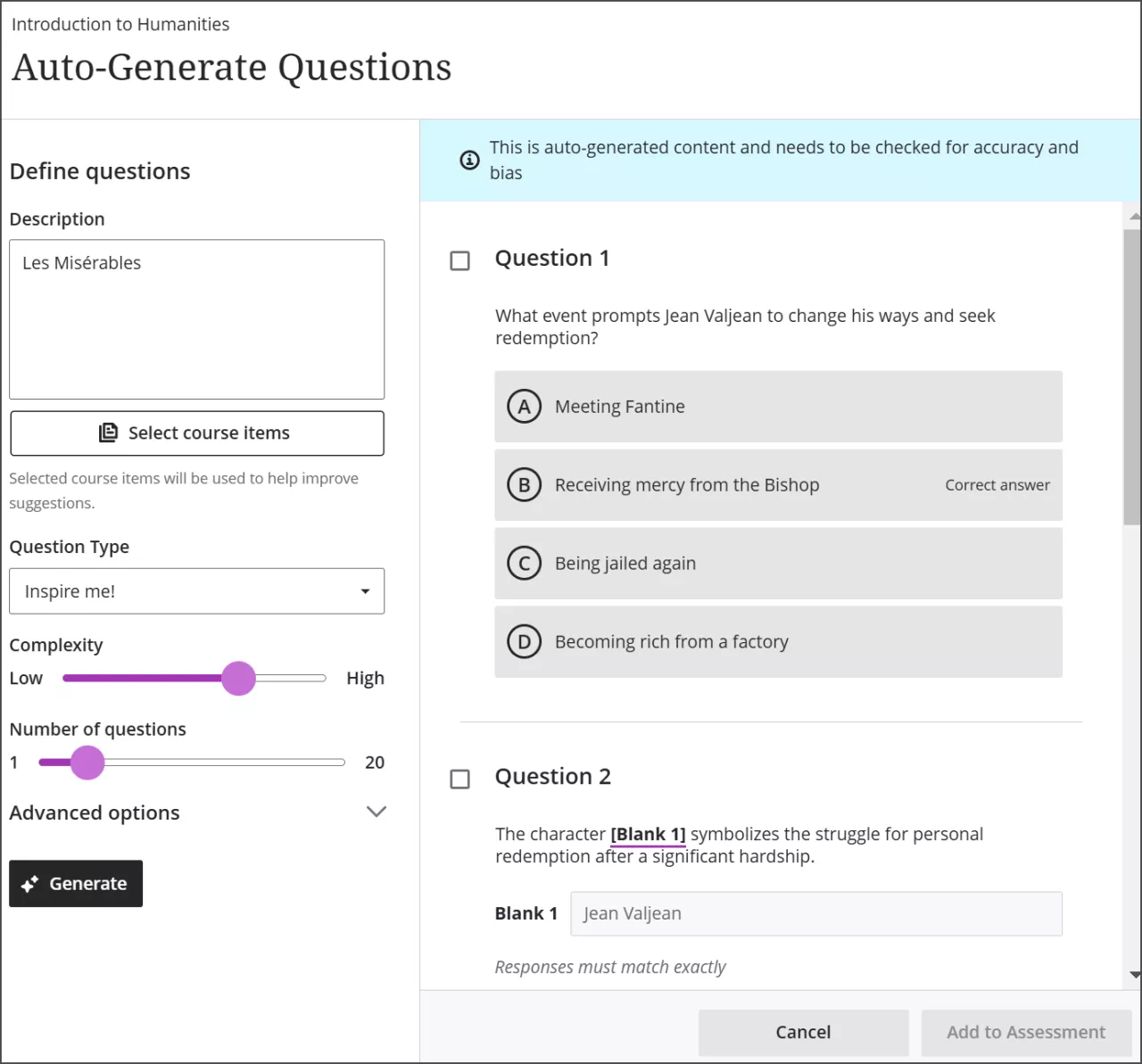
Blackboard Ultra
Includes an AI Design Assistant that helps generate assignments, rubrics, test questions, and content suggestions. See our AI Design Assistant Key Feature page for more information.
Now that you’ve learned a little bit about Original vs. Ultra, check out key features of Blackboard Ultra!