Computer Backups for Reimage
Engineering IT performs the normal service of computer reimaging as part of initial setup, OS upgrades, and attempts to fix issues. This process involves wiping the computer’s storage disk of all folders and files.
When an in-use computer is reimaged, we recommend that users check to ensure that all locally-saved data is backed up before we take the computer. Files that are saved on network storage do not need to be backed up, as they will not be deleted in the disk wipe. This includes the various ENGNAS Drives (N, U, V, W, X), as well as the User folders (except Downloads) for any login that uses BU credentials on DESKTOP computers. (For laptops it depends on how they are configured.)
Files saved outside these network drives or a desktop’s BU-login User folders are NOT already backed up, and any needed files must be backed up by the computer’s users using one of the two methods described below.
Lastly, if you have a computer with additional storage disks (which may have dedicated purposes), please let us know before imaging. We can disconnect these drives so that they are not wiped during the reimage process. This will save you the need for backing up any data on these drives.
Note: the best way to save your browser bookmarks is to sign into whichever browser you use to sync your bookmarks across computers.
If you have any questions or concerns about backing up your data, please reach out to us in your current ticket or create a new one by emailing enghelp@bu.edu.
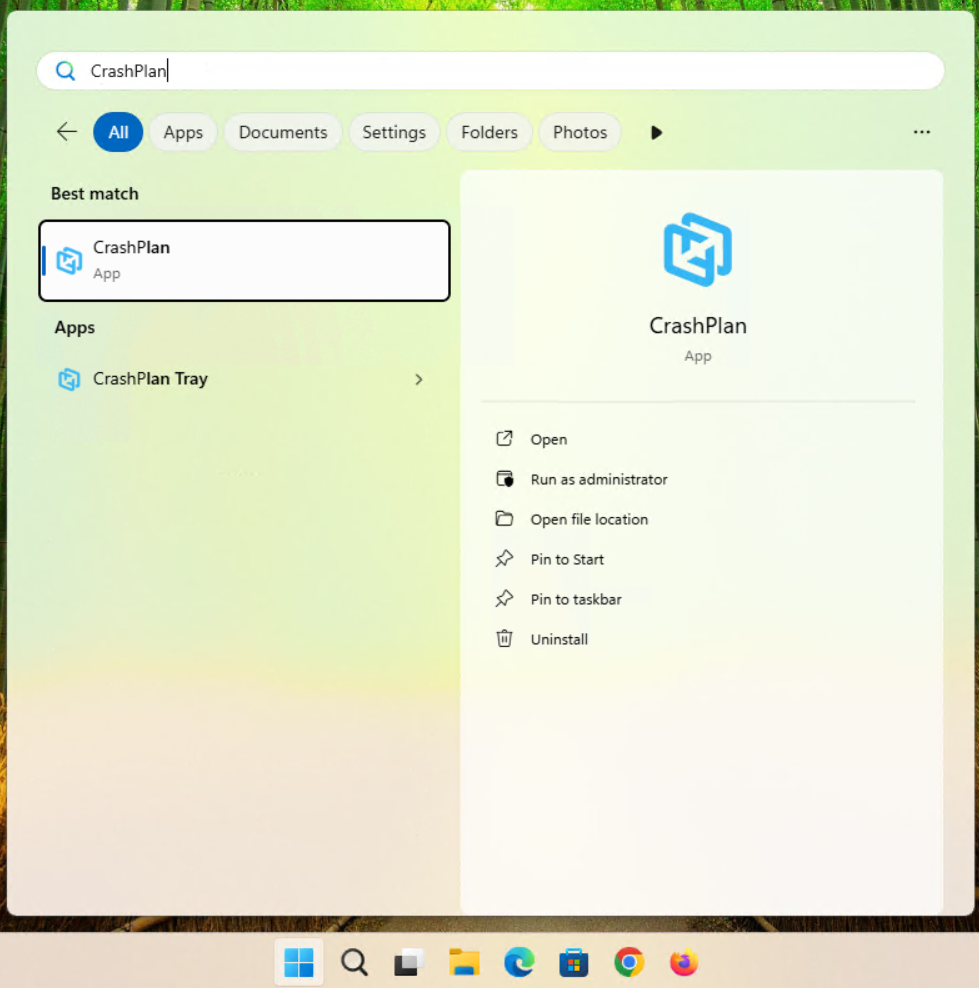
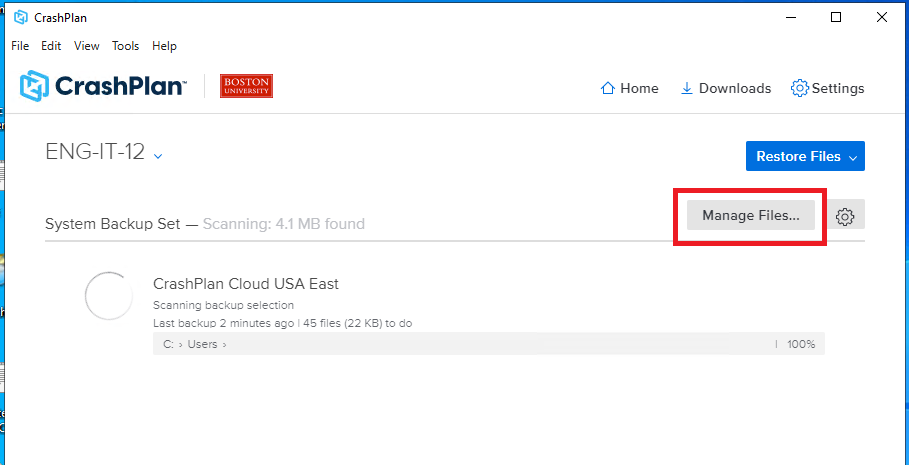
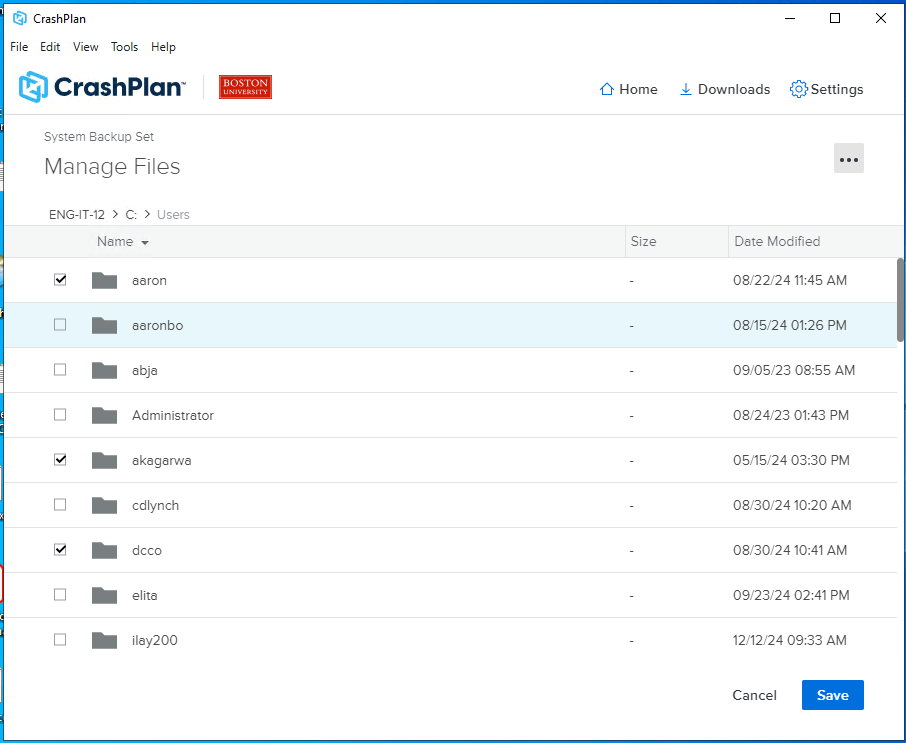
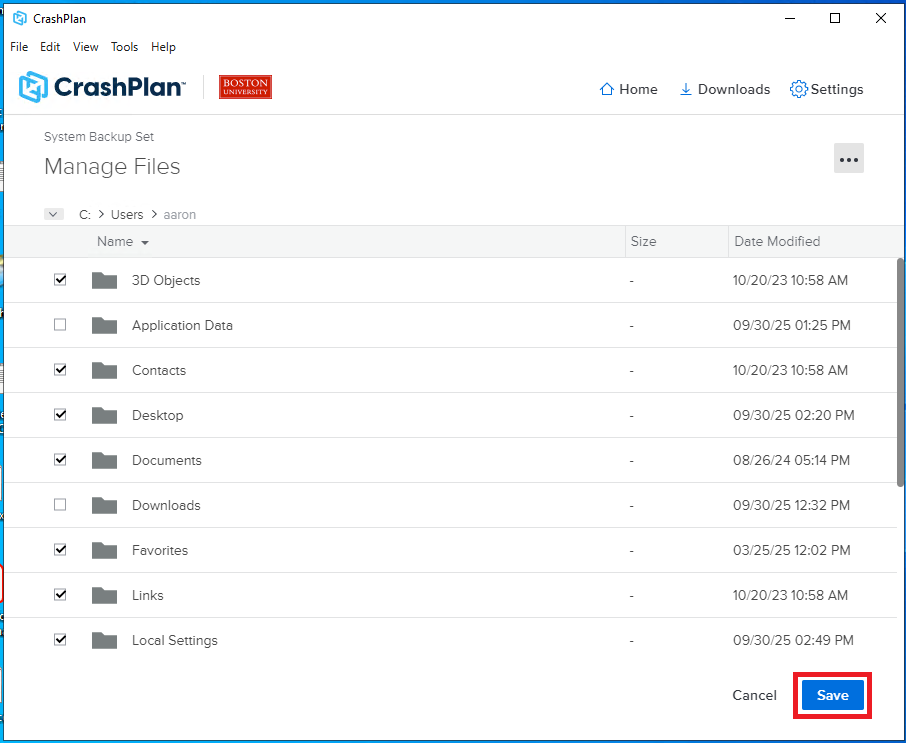
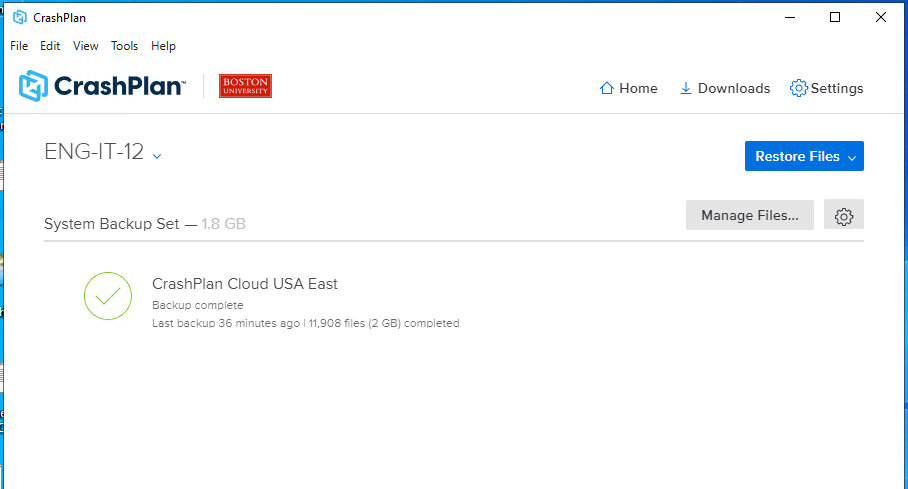
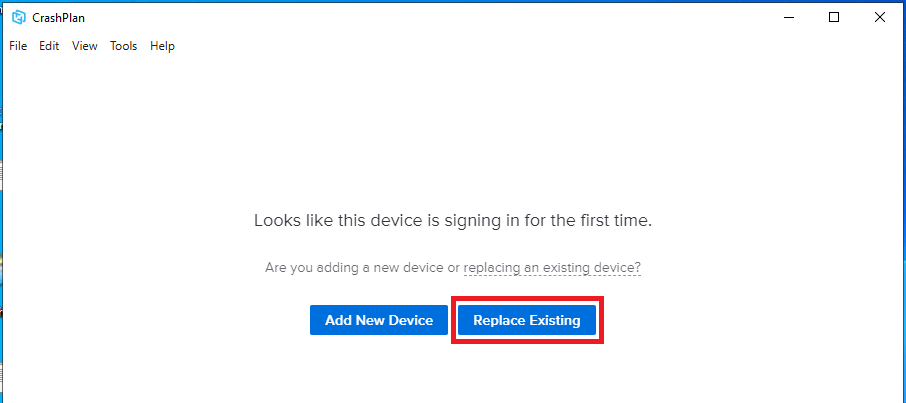
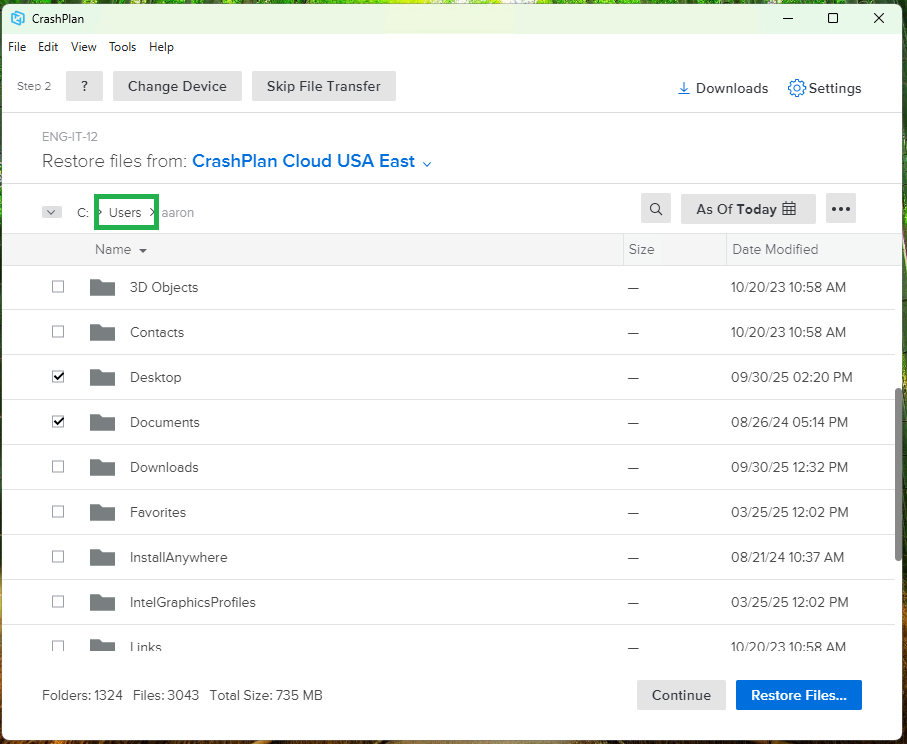
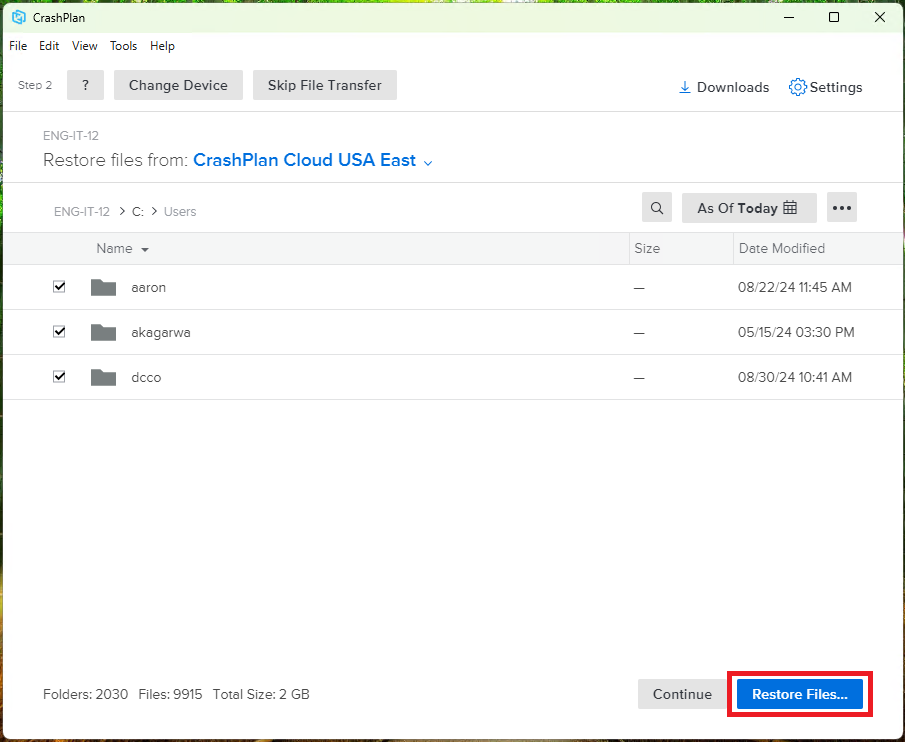
CrashPlan (Recommended - Faculty/Staff Only)