Access Guide – Web Browser
Access Guides
1) In your web browser, go to https://metvlab.bu.edu/.
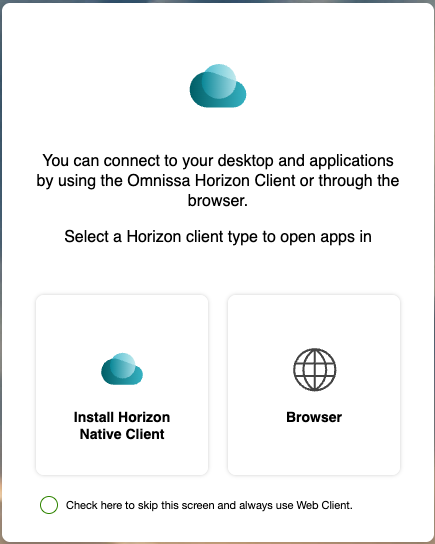
2) When prompted, select Browser under the “Select a Horizon Client type…” options.
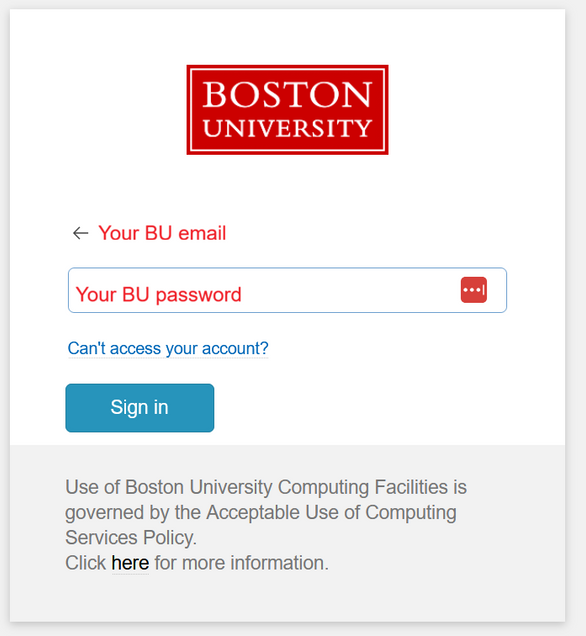
3) Enter your BU username and password, and confirm the DUO 2FA prompt (if requested).
-
-
- If you have not set up your BU DUO two-factor authentication yet, see the instructions here: https://www.bu.edu/tech/support/duo/enroll-device/
-
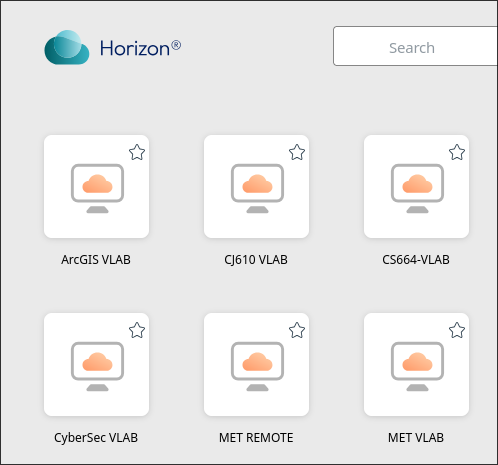
4) From the list of icons, select one of the options.
- On the notification that follows, do not click cancel or you’ll session might end up stuck.

- (If you clicked cancel and can’t log in again, email us at metit@bu.edu so we can manually re-activate your session)
5) On the login screen that follows, enter your BU username and password.

6) When you have finished your session, you can use the Sign Out When Finished icon to end the connection.
If you find any issues, please contact us and include a screenshot of any error messages if possible.