Access Guide – Web Browser
Access Guides
- In your web browser, go to https://metvlab.bu.edu/.
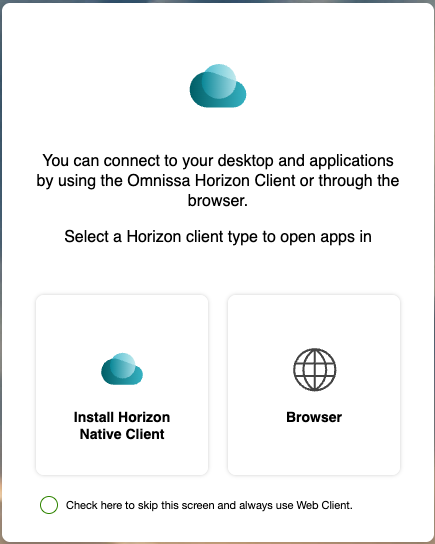
- When prompted, select Browser under the “Select a Horizon Client type…” options.
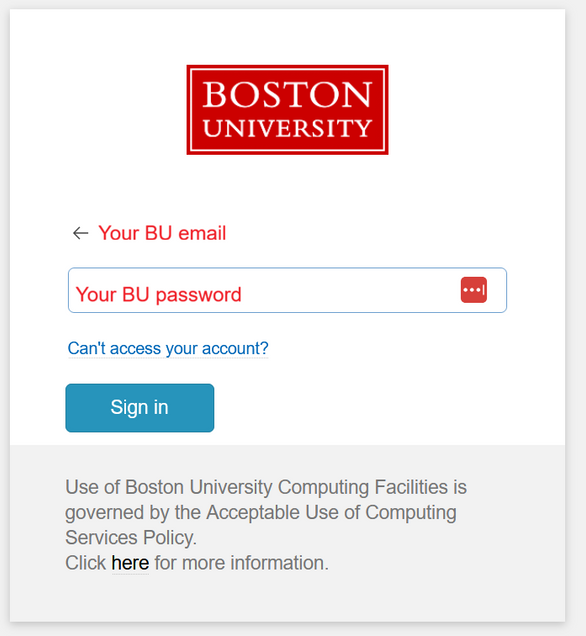
- Enter your BU username and password, and confirm the DUO 2FA prompt (if requested).
- If you have not set up your BU DUO two-factor authentication yet, see the instructions here: https://www.bu.edu/tech/support/duo/enroll-device/
- From the list of icons, select MET-REMOTE.
- On the login screen that follows, enter your BU username and password.
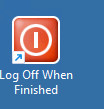
- When you have finished your session, you can use the Sign Out When Finished icon to end the connection.


If you find any issues, please contact us and include a screenshot of any error messages if possible.