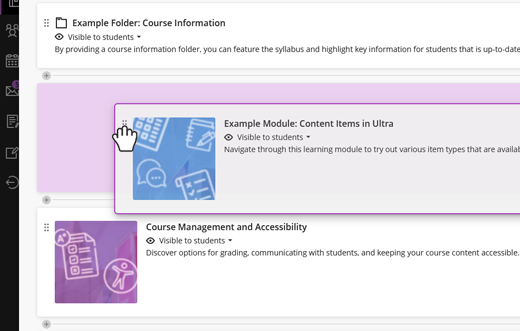
This Ultra screenshot shows how easy it is to drag and drop course content, like modules, to create a well-designed student learning experience.
In Blackboard Ultra, course organization has never been easier thanks to easy-to-use drag and drop features for simplified course management.
Ultra content is housed on a single, streamlined page where students can expand and collapse folders and modules to access course items like assignments, links, and readings. This can provide peace of mind for you and students knowing that everything needed for the course is hosted in one place.
To ease the transition to Ultra, I recommend viewing a sample Blackboard Ultra site from a peer, and talking through the layout differences. All of the frustrations that I had with Blackboard Learn have been resolved, and I now find Blackboard Ultra to be an invaluable tool for facilitating and ultimately sharing the course resources for my students and instructional team.
Caleb Farny
Master Lecturer
College of Engineering
Browse the following course layouts and consider which option aligns best with your classroom learning objectives and teaching style.
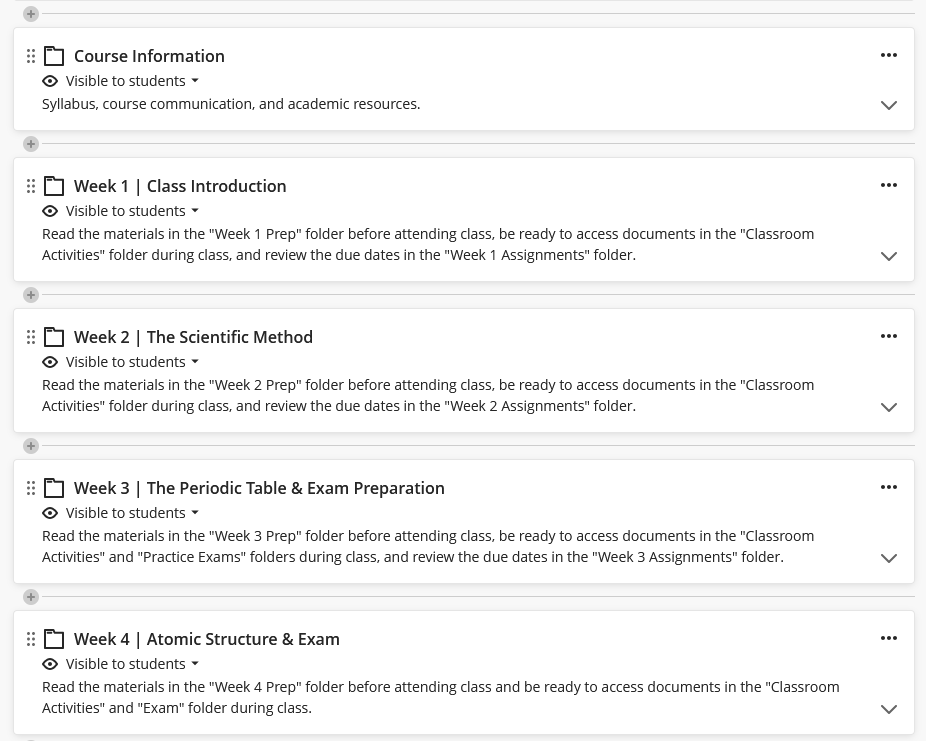
Time-Based Course Layout
This method of organization is inspired by your syllabus and your classroom plans for each week or session. What should students prepare? What content will they need to access during the class? Are there any assignments between classes? Weekly folders or modules also provide transparency and clarity for students, so there are fewer surprises heading into class.
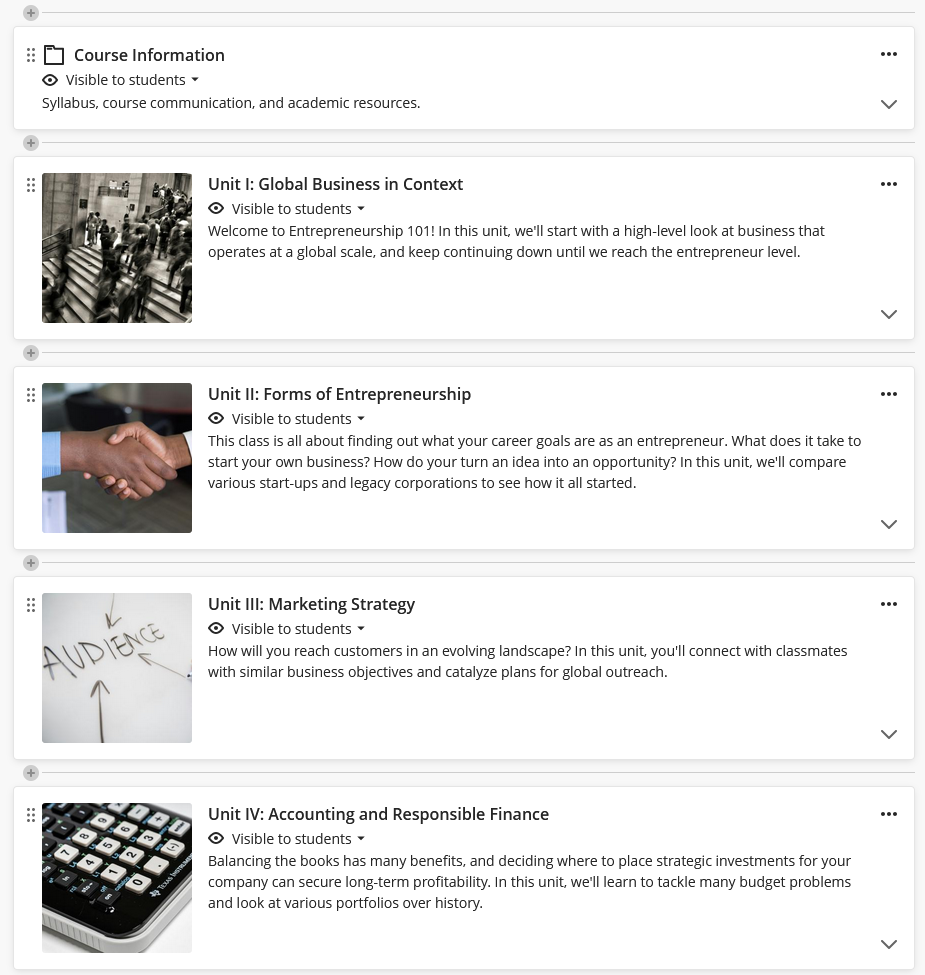
Content-Based Course Layout
If you prefer to organize content by unit, and especially if the units span weeks, this approach organizes content by theme or topic of the unit. Units scaffold specific objectives that support major deliverables and can also function in a narrative format. By using this approach, students will be able to easily return to content based on its association with the unit.
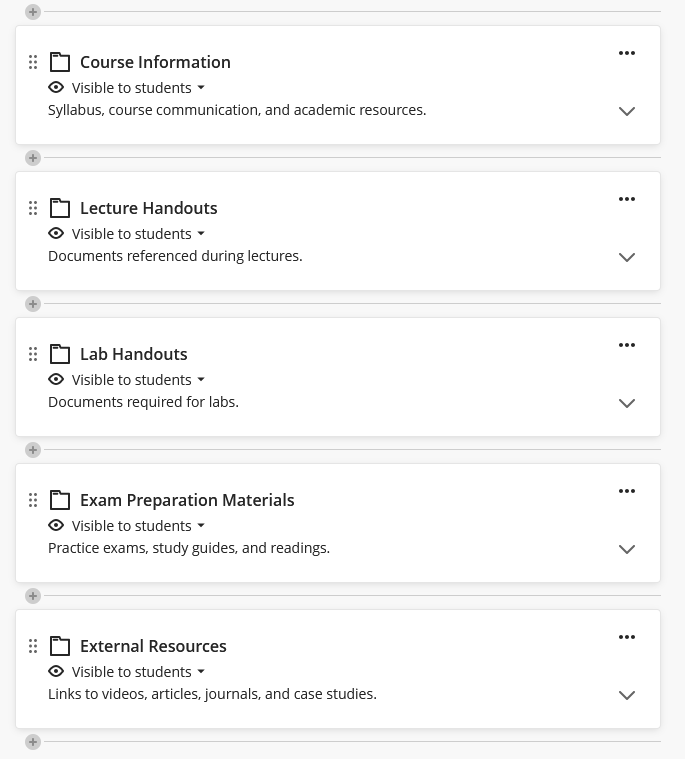
Document-Based Course Layout
If you simply need a place to host essential files and resources that are referenced in your classroom, storing the files on Blackboard assists students by providing a one-site solution for their course materials. Students appreciate the convenience, accessibility, and interactivity of a well-designed document-based structure in Blackboard Ultra.
Now that you’ve chosen the layout for your course in Ultra, let’s continue building the rest of your course!