Access the CS694 Virtual Lab
MET CS694 Virtual Lab Topics
Access Instructions
To open the CS694 Virtual Lab, install the Horizon Client. This client will allow you to access all necessary course software.
1) Download and install the Horizon Client for your system.
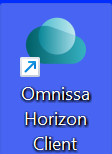
2) Open the software and select Add Server.

3) On the “Name of the Connection Server” window, enter metvlab.bu.edu in the text field, then click Connect.
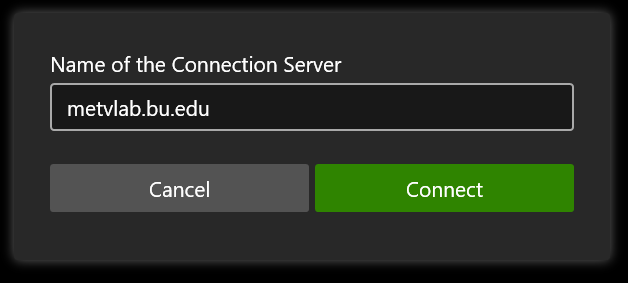
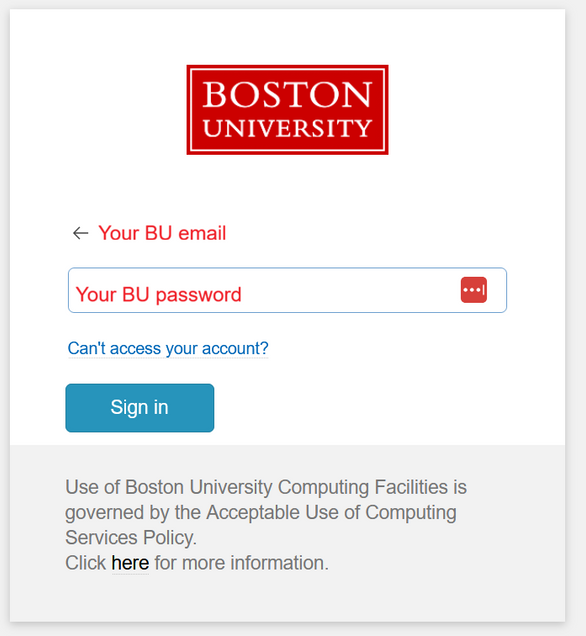
This will automatically open your web browser and take you to the BU login screen.
4) Enter your BU username and password, and confirm the DUO 2FA prompt (if requested).
-
-
- If you have not set up your BU DUO two-factor authentication yet, see the instructions here: https://www.bu.edu/tech/support/duo/enroll-device/
-
5) From the list of icons, select CS694 VLAB.

6) On the login screen that follows, enter your BU username and password.

7) (Optional) Click Allow on the drive sharing prompt to save files to your computer directly.

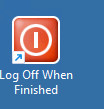
8) When you have finished work, please use the log off icon in the desktop to close your session.
NOTE: Closing the window without logging off may cause connection issues in future sessions.
If you do not see the CS694-VLAB icon, please contact us for assistance.